
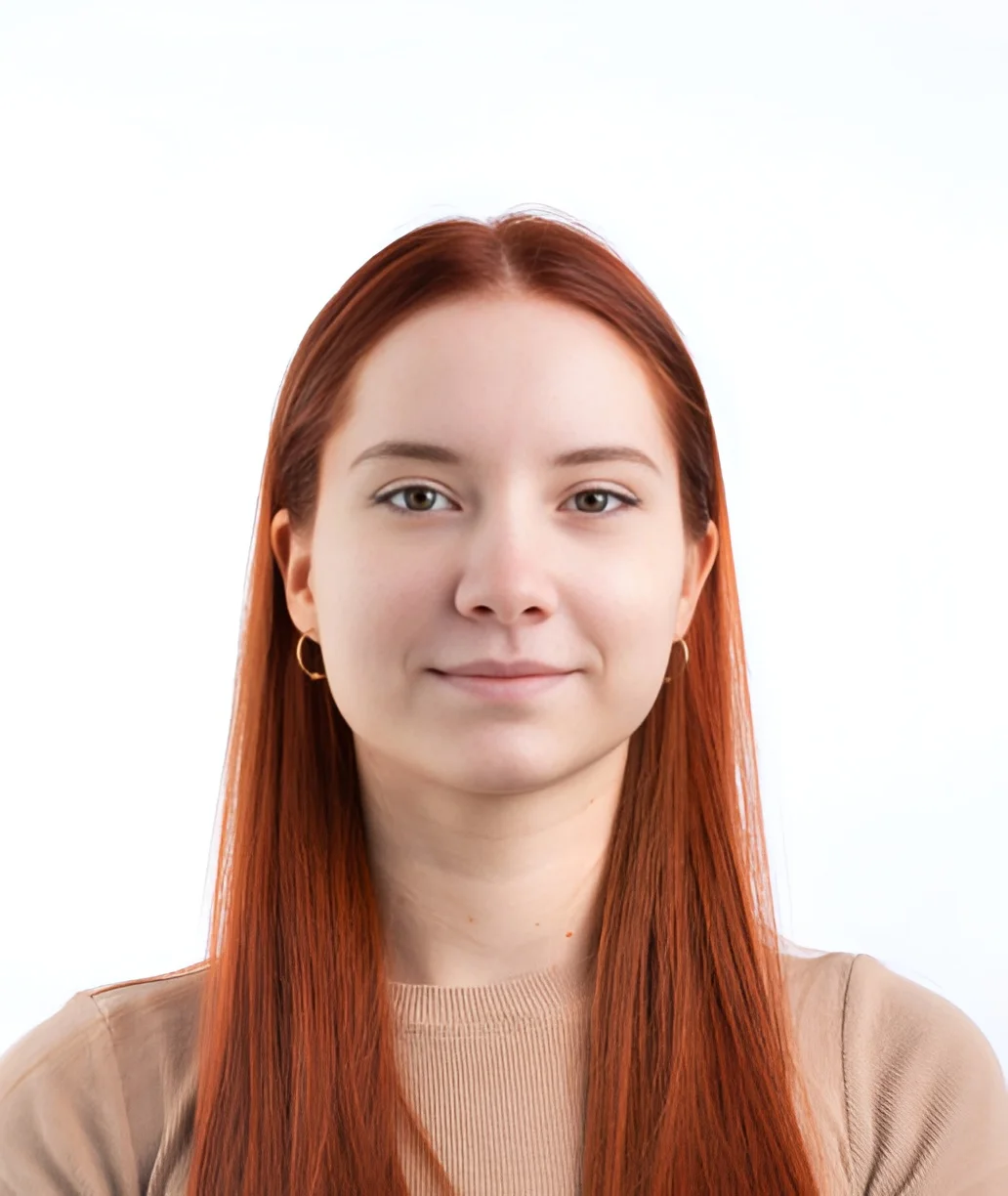
United States
US passport photo
2 × 2 inches, head 1 to 1 3/8 inches, white or off-white background, no glasses, taken in the last six months. The same photo is used for USCIS forms.
US passport photo →Correct size, head height and background, measured on your device with nothing uploaded.
Processed on your device. Nothing is uploaded.
First use downloads about 45 MB once, then works offline.
Type an angle or drag the slider. Measure with the ruler and press Straighten to level the photo automatically.
Everything a paid passport-photo service offers, without the upload and without a paywall in front of the download.
Take the picture against a bookshelf or a door. The person is separated from the background on your own device and placed on the plain white, off-white, cream or grey the rules ask for.
The template draws the official crown line and chin band to scale for the document you chose, and the photo is placed so the head lands in the middle of the allowed range. If the automatic placement is off, drag or zoom the photo until the crown and chin sit on the lines; a millimetre ruler is there for anything else you want to measure.
Paid sites store your face for days. Here there is nothing to store: the file is read from your disk, processed on your device and written back. Open your browser's network panel and you will find no request carrying the photo.
DS-160 wants a 600–1200 pixel square JPEG under 240 KB; the UK wants at least 600 × 750 pixels between 50 KB and 10 MB. The download is encoded to those limits, at 300 dpi, before it reaches you.
Six 2×2 photos, or eight 35×45 mm photos, on one 4 × 6 inch image with cut lines.
Every size, head-height and background figure links to the government page it comes from, with the date it was last checked. Nothing here is a number someone remembered.
Three steps on this page, without a photo booth or prints sent by mail.
Face a window in daylight, camera at eye level about 1.5 m away, hair off the face, neutral expression, mouth closed. Any background. Drop the file on the page, or paste it.
Choose the document: US, UK, Canada, Australia, Japan, China, Taiwan, Russia, Spain, or a plain size. The template draws the official head lines to scale; drag the photo until the crown and chin sit on them, and the background is replaced for you. Every figure links to the official page.
Download the single photo for an online application, or the 4×6 sheet to print at any kiosk and cut. Both are free and full resolution, with no watermark.
Each document has its own page with the official rules, a link to the source, and the right preset.
2 × 2 inches, head 1 to 1 3/8 inches, white or off-white background, no glasses, taken in the last six months. The same photo is used for USCIS forms.
US passport photo →A digital-only spec: a square JPEG between 600 and 1200 pixels, under 240 KB, head 50–69 % of the height. The download is already inside those limits.
US visa DS-160 photo →Download the 4×6 sheet and order it as a normal 4×6 print, then cut along the lines.
4×6 sheet with several copies →Lay the baby on a white sheet, shoot from above, and let the tool do the crop. Expression rules are relaxed for infants, but the size rules still apply.
Baby passport photo →The differences come from one decision: never sending the photo anywhere.
| freepassport.photo | Typical passport-photo site | |
|---|---|---|
| Your photo is uploaded | Never | Always |
| Download the finished photo | Free | Paid |
| Printable 4×6 sheet | Free | Paid |
| Account required | No | Usually, to download |
| Rules linked to the official page | Every figure | Rarely |
| Works offline | Yes, after the first visit | No |
You give it a photo of a person taken against any background (a phone picture in the kitchen is fine), and it gives back a photo that meets the published rules for the document you choose: the exact print size, the head height within the allowed range, a plain background in a permitted colour, and for online applications the pixel dimensions and file-size limit. The photo is downloaded as a JPEG or PNG at 300 dpi, and for printed documents you can also download a 4×6 inch sheet with several copies laid out with cut lines.
Everything happens inside your browser. The photo is read from your disk, the person is separated from the background, the crop is measured and the result is written back to your disk, all on your own device. There is no upload, no account, no watermark and no paid tier, because there is no server doing the work that could need any of those.
Government photo rules are about geometry: a 2 × 2 inch photo with the head between 1 and 1 3/8 inches tall, a 35 × 45 mm photo with the head between 29 and 34 mm, a 600–1200 pixel square with the head filling 50–69 % of the height. The tool turns each rule into a fixed template drawn on the output frame: a line where the top of the head goes, a band where the chin must fall, and for documents that specify it, a band for the eyes. When you load a photo it finds the outline of the person and places the picture so the head lands roughly on the template; you then drag the photo and use the zoom until the crown and chin sit on the lines. That alignment is yours to judge. The template is exact, and the program does not second-guess it.
The checklist on the right measures only what a program can judge without seeing the face: whether the source photo has enough pixels behind the crop to print sharply, and the file size for digital uploads. Everything else (a neutral expression, eyes open, no glasses, no shadows, taken recently) is listed in reminders from the official page, for you to check.
Every size, head-height and background figure on this site is taken from the government page for that document and links to it, with the date it was last checked. Rules do change: the US stopped allowing glasses in 2016, and the UK moved to a one-month recency limit. A figure without a source is a figure you cannot verify. If you find a page here that disagrees with the official one, tell us and it will be corrected.
For physical prints, download the 4×6 sheet (six 2×2 photos or eight 35×45 mm photos with cut lines on one 4 × 6 inch image), have it printed as an ordinary 4×6 photo, and cut along the lines. Use photo paper. The 4×6 sheet page explains the layout.
Yes. Both downloads, the single photo and the 4×6 sheet, are free at full resolution and carry no watermark. The site is supported by the ads on the page.
The tool gets the geometry right: the template is drawn from the official size, head height and eye-height figures, the background is replaced with a permitted colour, and digital files stay within the pixel and file-size limits. Whether the photo is accepted also depends on things only you can check, such as the head lined up on the template, a neutral expression, eyes open, no glasses where they are banned, no shadows, and a recent date. The reminders under the checklist list those for the document you chose.
US passport and passport card, US visa (DS-160) and Diversity Visa, USCIS forms such as the green card and naturalisation applications, UK passport, Canadian passport, Australian passport, and generic 2×2 inch, 35×45 mm and 600×600 pixel presets. More countries are added as their official pages are verified.
No. Any background works, because the tool separates the person from whatever is behind them and replaces it with the colour the rules require. A plain background helps at the hair edges, but it is not necessary.
The first use downloads about 45 MB once, which your browser then keeps. After that the tool works offline. On most computers a photo takes about a second; on some phones and older machines it takes 15–25 seconds.
Yes, and it is usually the best option: a recent phone photo has more than enough resolution. Take it in daylight facing a window, with the camera at eye level and about 1.5 m away, and keep hair away from the face.
Nothing is uploaded, and the download is free with no sign-up. Drop a photo at the top of the page and see the measurements before you save.
Remove a background, crop, resize, compress or convert HEIC on our other site, under the same browser-only rules.